The New Event Set window helps you create a new event set for a selected component in the Browser window. To display this window, make sure that the Browser window is frontmost, then choose New Event Set from the Browser menu. Alternatively, click the new item icon ( ), as shown in Figure 15.4. The
 New Event Set command changes slightly, based on the framework you use to develop your code. For example, when developing a Java RAD project, the command changes to New Bean Event Set. The New Event Set window is shown in Figure 15.7.
This window lets you specify the type of event set you want to create. There are two possibilities:
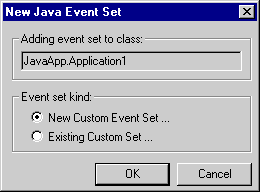
When you enable this option and click OK, a wizard opens to help you create a custom event set. See "New Event Set wizard" for more information.
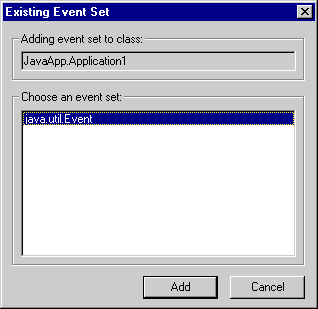
When you enable this option and click OK, the Existing Event Set window, shown in Figure 15.8, displays. Select from the list the event set you wish to add and click Add. This existing event set is then added to the selected component in the Browser window.
Adding an existing event set: